Free & open source · macOS

A desk buddy that keeps your to-dos.

A small character floats above every window and every Space — even over full-screen apps. Click it and your list unfolds. It wanders around, it can be thrown across the screen, and it raises a speech bubble when something needs you.

curl -fsSL https://deskbuddy.snghnl.com/install.sh | sh
Download .dmg Latest · Universal · macOS 14+ · first-launch note
Build finished ✓
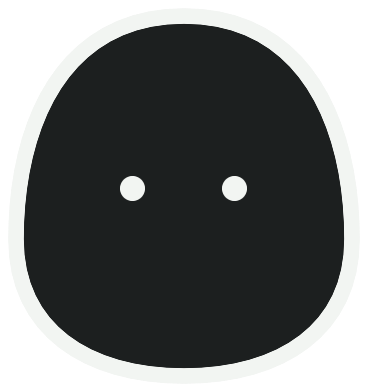
The DeskBuddy character The DeskBuddy character

Installing

Both routes install exactly the same build. The difference is how much macOS gets in your way.

Terminal no warning

Downloads the latest release, puts DeskBuddy.app in /Applications, and launches it.

curl -fsSL https://deskbuddy.snghnl.com/install.sh | sh

Piping a script into a shell deserves a look first — read it here.

Disk image 3 extra clicks

DeskBuddy is not notarized — that requires a paid Apple Developer account, and this is a free hobby project. macOS flags anything a browser downloaded, so the first launch needs your permission. (Control-clicking to open no longer works: Apple removed that in macOS 15.)

  1. Open the .dmg and drag DeskBuddy to Applications.
  2. Launch it once. Dismiss the warning.
  3. Open System Settings → Privacy & Security, scroll to the bottom, and click Open Anyway.

The terminal command skips all of this because macOS only quarantines browser downloads, not files fetched with curl.

What it does

Click to open your list

The panel unfolds right next to the character and follows it when you drag it around. A badge on the character counts what's still open.

Throw it, or let it wander

Grab and flick — it flies with momentum, bounces off the screen edges, and lands. Catch it mid-air with a click. Left alone, it strolls around and takes breaks.

Speech-bubble alerts

Before a calendar event starts, the character raises a bubble that stays until you click it. Scripts and agents can raise one too.

Your calendar, already connected

Reads events from any account macOS Calendar knows about, Google included — no OAuth. Today's events get “Now” and “in N min” badges.

Done tab and a heatmap

Finished items move to Done, grouped by day with completion times. The calendar tab shades busier days darker and dots the days that have events.

Pomodoro timers

Run several circular timers at once, each linked to the to-do it belongs to.

Global shortcut

Register a hotkey and start typing a to-do from any app — no Accessibility permission required.

Never steals focus

Always on top, visible on every Space and over full-screen apps, and clicking it never pulls you out of what you were doing. No Dock icon — it lives in the menu bar.
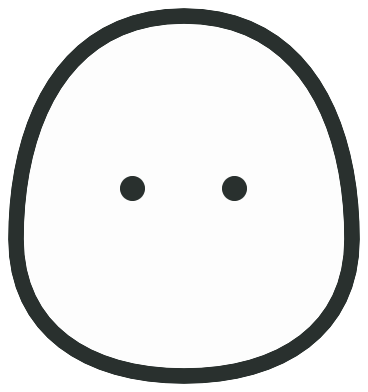
The character in light appearance The character in dark appearance

One character, drawn as a shape rather than an image, so it stays sharp at any size and flips with your system appearance — white on light, black on dark. Prefer your own? Drop in any image and name it. Korean and English, following your system language.

Your agents can use it

DeskBuddy ships a CLI and a deskbuddy:// URL scheme, so scripts, cron jobs and coding agents can raise a bubble or manage the same list you see.

# tell me when the long thing finishes
deskbuddy notify "Build finished!"
deskbuddy notify "heads up" --autohide 8

# work the list
deskbuddy add "Review the PR" --memo "not urgent"
deskbuddy list --json
deskbuddy done a42620c8

It is also a Claude Code plugin marketplace. Installing the plugin teaches agents when to use DeskBuddy on their own, and pops a bubble whenever Claude Code is waiting on you.

/plugin marketplace add snghnl/deskbuddy
/plugin install deskbuddy@deskbuddy